HyperView documentation
Understand multimodal data as a workspace.
HyperView is an agent-native workbench for inspecting datasets, comparing representations, and sharing evidence. People and coding agents operate the same runtime-owned state through the UI, CLI, and API.
Core concepts
One state, many ways to work.
HyperView keeps the product surface, command line, and agent interface aligned around the same workspace model.
Runtime-owned data
Datasets, embeddings, layouts, selections, panels, and jobs live in the workspace—not in a browser-only copy.
Composable panels
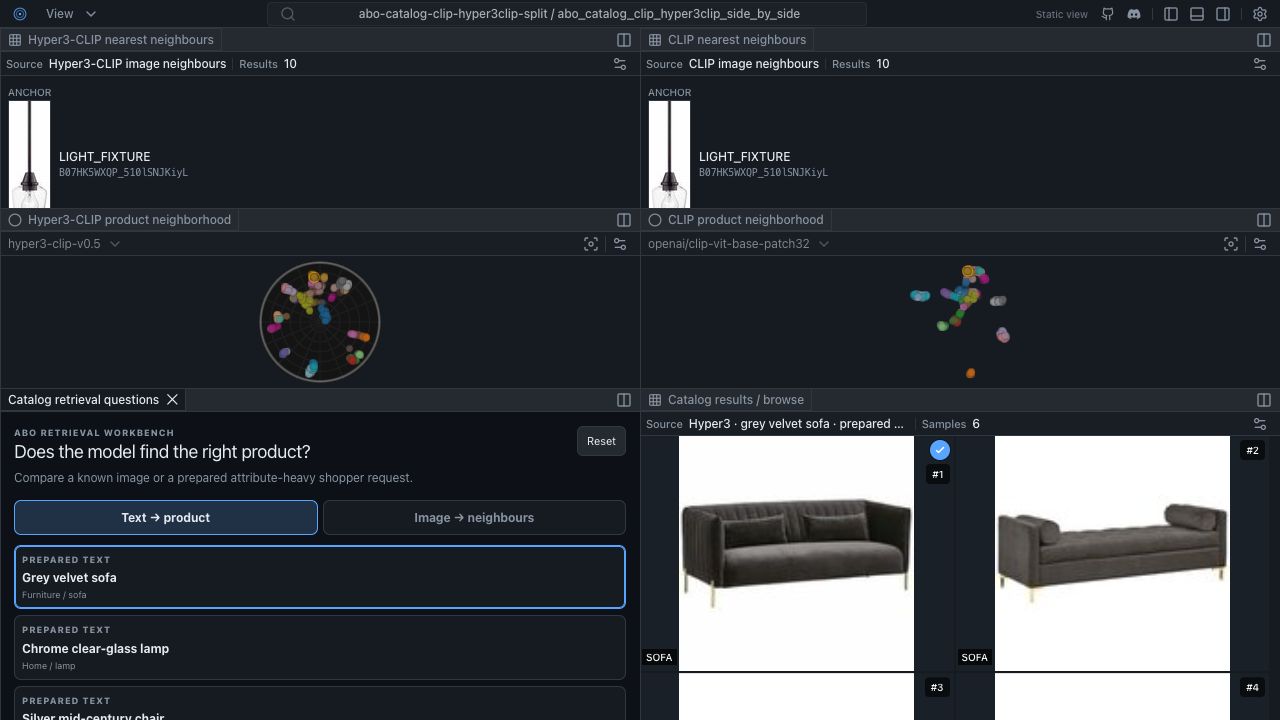
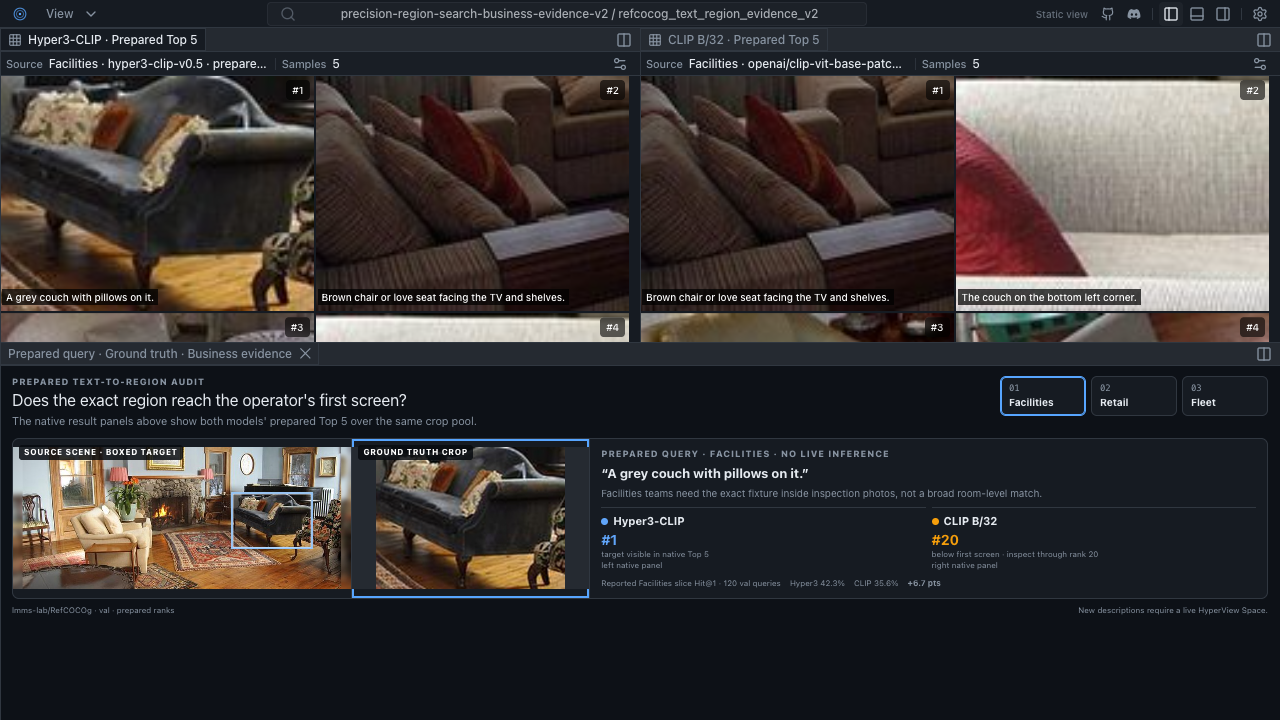
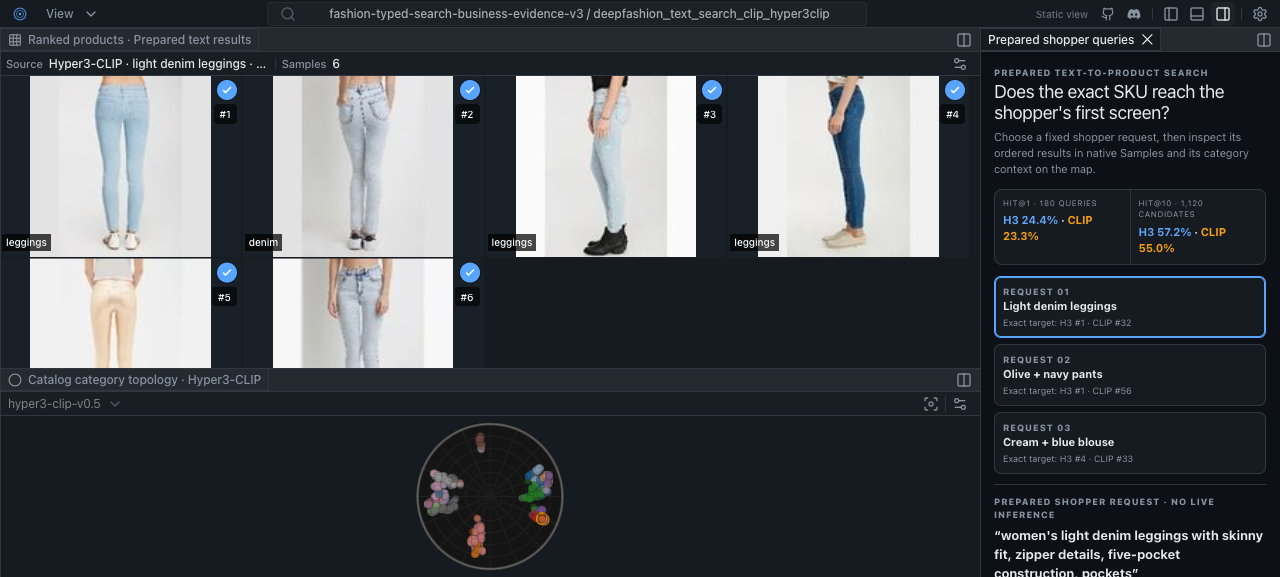
Inspect samples, maps, metrics, and purpose-built evidence together in one synchronized workspace.
Agent-native control
The CLI and API expose the same state that people see, so agents can discover, compose, and verify work.
Spaces
Publish a portable Static Space, or use a Live Space when new computation is required.
HyperView Spaces
See the workbench answer real questions.
Browse six HyperView Spaces across retrieval, archive QA, and trust and safety workflows.
Live Space
Use your own data, models, and agents.
A Static Space preserves the full HyperView shell and its interactive evidence. Use a Live Space to create datasets, run providers, recompute layouts, and keep agent actions in workspace state.